


FamBet Casino mobile version for a British audience
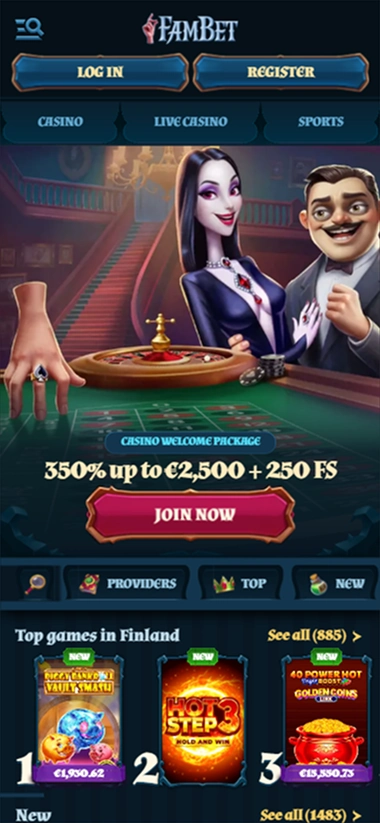
You do not need a separate app to play on a smartphone. The responsive browser version provides access to the same account, catalogue, sportsbook and cashier as on a computer. There are no native iOS or Android apps or an official APK file.
The interface remains in English on smaller screens, and you log in with your email address and password. Social login is not supported. Registration, account recovery and round-the-clock live chat are also available through the browser. All casino transactions using fiat methods are carried out in euros.
Access on Android, iPhone and tablets
On Android, the site opens in Chrome, Firefox or another modern browser. iPhone and iPad owners can use Safari. There is no need to install files from third-party sources.
For quick access, you can bookmark the page or add a shortcut to your home screen. This icon opens the browser version and does not replace a dedicated app.
| Device | Access method | Dedicated app |
|---|---|---|
| Android | Mobile browser | No |
| iPhone and iPad | Safari or another browser | No |
| Android tablet | Browser version | No |
Navigation on a smaller screen
The main sections are grouped in the mobile menu. From there, you can access slots, Live Casino, sport, promotions, the Shop, cashier and profile settings. The layout differs from the desktop version, but the way the account works and the available features remain the same.
You log in with the same email address and password. If you forget your password, a reset link is sent to the linked email address. Phone numbers and SMS are not used for account recovery.
Games and sport on a smartphone
The browser provides access to a catalogue of 15,258 titles from more than 90 providers. These include slots, Live Casino, table and crash games, video poker, bingo and instant formats. Most slots can be tried in demo mode without registration.
Live tables use video streaming, so the quality of your session depends on a stable connection. The sportsbook covers 22 disciplines, including football, basketball, tennis, ice hockey, virtual events and esports.
The cashier in a mobile browser
Cards, Bank Transfer, Revolut, Skrill, Neteller, MiFinity and cryptocurrencies are available on smartphones. PSCD and Neteller can only be used to add funds; the other methods listed can also be used for withdrawals. All fiat amounts are displayed in euros: there is no separate balance in pounds sterling.
Withdrawals are requested in the same section. You will need to complete KYC before your first request; you can photograph documents with your phone’s camera and upload them through your account. There is no single processing time for all methods.
Most funding methods have a €10 minimum, while Bitcoin starts at €30. The minimum withdrawal is €10 for fiat methods, €20 for most digital assets and €60 for Bitcoin.
Promotions and loyalty programme
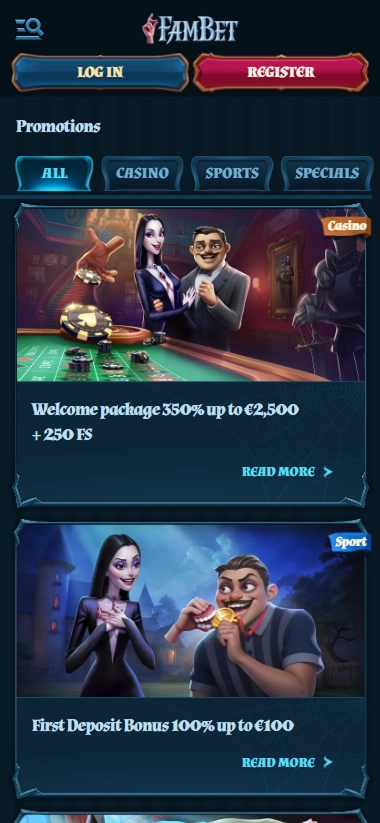
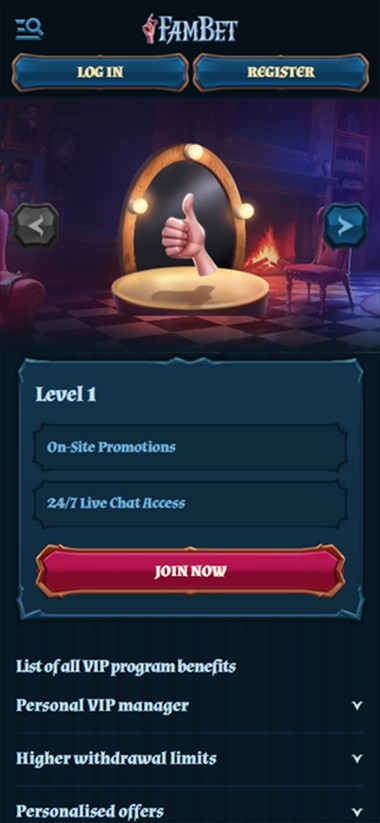
The welcome package, weekly FS, Reload Bonus and Club VIP are available through your mobile account on the same terms as on a computer. There are no separate mobile offers.
Some promotions require prior activation or contact with support. The 50 FS package is available from Monday to Thursday, and Weekend Reload runs from Friday to Sunday. VIP cashback from Level 3 is credited automatically.
Support and account security
Live chat is available around the clock and opens in the browser. You can use it to check withdrawal status, KYC requirements or how to activate a promotion. Email is used to send documents and submit detailed enquiries.
You should not save your login details on a shared device. As password recovery is linked to your email address, it is also advisable to protect your mailbox with a separate password.
Conclusion
The FamBet Casino mobile version covers the main features without an app download: games, sport, the cashier, promotions and support are available through the browser. One account works across all devices, and demos for most slots launch directly from the lobby page.
The main limitation is the absence of a native app: login, the cashier and offer management are only available in the browser. You can check the status of requests in your account, and live streams require a stable connection. However, you will not need to install any additional software to access the main sections.